
Shooting a travel video is the easy bit; after all, you’re out there in the big wide world enjoying yourself, and filming the experience as you go.
But editing a travel video? Well, that can be daunting — especially if you’re a complete beginner, with no real concept of how editing works. With a YouTube channel that’s achieved close to three million views, numerous travel videos under our belt, and almost no formal training, we’ve learned to edit on the job — and you can too. It may eat up a lot of your time to begin with and there’ll probably be a few tears along the way. However, you’ll soon get faster, more confident, and increasingly creative. The sky’s the limit!
To start getting your head around the concept of editing, visualise a delicious looking layer cake. From the outside, covered in icing, it may not give too much away; but cutting a slice reveals layers of sponge, jam, and cream within. Each layer brings something special to the party, but it works with all the other layers to deliver the final taste sensation. In our case, the layers are vision (video clips), music, voice-over, graphics, titles, transitions, and even special effects.
So, pop on your apron and let’s get to work. Here are ten tips for editing great travel videos.

1. Choose the right editing tool
Unless you’re going completely old school and cutting and joining strips of film, editing is done in digital form. You can edit simple videos on your phone or tablet, but for more involved projects a desktop computer or laptop with a good-sized screen is the way to go. You’ll be able to see all the elements of your project clearly and move things around as you need to.
Next, you’ll need to decide on an editing tool. Start with an online video editor that comes with access to templates, stock footage and music, graphics, and simple visual effects. You can generally opt to use a free version, or upgrade to a subscription to unlock extra features. Give the free version a go first to see if you like it.
2. Store your assets in one place
You’ve probably arrived home from the shoot with hundreds of video clips on your phone or camera memory card. Get into the habit of storing everything in one place before you start editing. Create a folder on your desktop or hard drive, name it after your project (e.g. ‘London video’), and move all your ‘assets’, as they’re called in the industry, into the folder. That way, you’ll always know where everything is and can access all your vision with ease. Next, set up sub folders and arrange your footage accordingly (e.g. ‘Trafalgar Square’, ‘London Eye’, ‘Buckingham Palace’, etc).
3. Make a plan
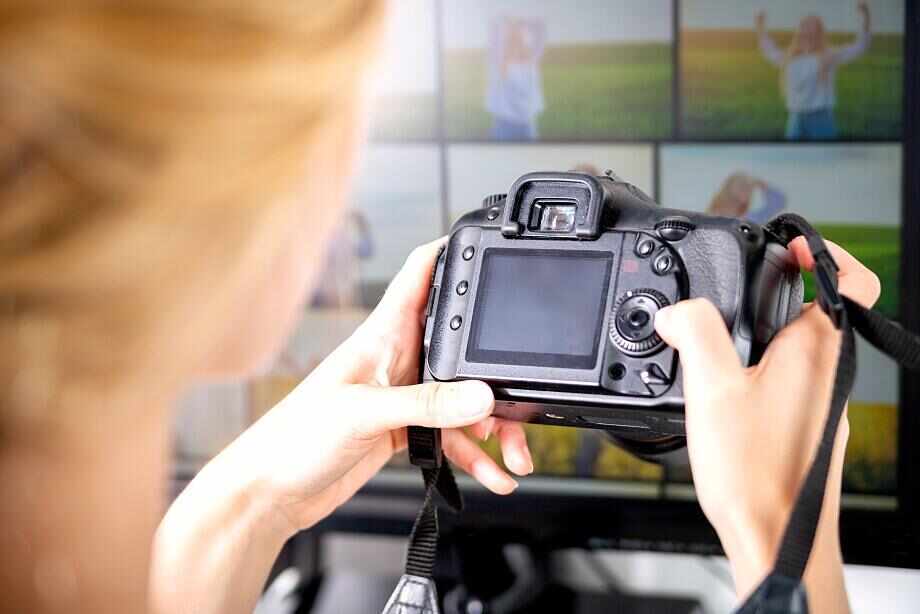
Next, put pen to paper and come up with a plan for your video. Work out where your video starts, where it ends, and the journey you want to take your viewers on in between. Divide the video up into ‘chapters’, which will probably correspond to the sub folders you created to arrange your footage. So, your plan might look something like this:
Chapter 1: PTC (piece to camera) from me welcoming viewers to London
Chapter 2: We explore Trafalgar Square
Chapter 3: We walk up the Strand and call into a local pub for a pint
Chapter 4: We ride the London Eye
Chapter 5: We walk along the Thames and over to Buckingham Palace
Chapter 6: PTC from me to say goodbye from London.
The clearer you are on what you’re doing before you start editing, the easier and more efficient the actual process will be.

4. Choose the correct screen dimensions
Open your editing platform and begin by setting the aspect ratio for the project — put simply, the height and width of the video. There will almost certainly be a list of pre-set aspect ratios to choose from; just select the one that’s right for how you plan to display and share your video. Choose a ratio of 16:9 for a standard YouTube video, or 9:16 for TikTok videos, YouTube Shorts, IGTV, and Instagram Reels.

5. Work by chapters
Here’s where the cakemaking kicks in! The editing tool you’re using will probably feature what’s called a ‘timeline’. Simply put, it’s a series of horizontal layers, that enable you to stack components on top of one another to build your video. One layer will generally be your video clips, another will hold your voice-over, another the music, and so on.
It’s a good idea to edit in chapters, according to your video plan. Start by adding the video clips for your first chapter to the timeline. Lay them side by side in the order you want them (generally using a drag-and-drop process), then play back the clips to see how they sit side by side. Move things around as you need to. You can trim clips as you go, but keep everything fairly loose to begin with (which is known as a ‘rough cut’). You can refine it later. Once you’ve completed one chapter, move on to the next. Before you know it, everything will be laid out on the timeline in one continuous flow.
6. Create mood with music
Once you have all your video clips on the timeline, it’s time to add the layers for any sound you want to use. That might include voice-overs, sound effects, and of course, music. The latter is a really important part of most videos, as it can liven up a scene, create mood, heighten drama, and so much more. Look for tracks that are catchy, but not annoying. Always ensure you have the right to use a particular piece of music. You generally can’t use any commercial music track without permission, and YouTube will pull you up on it. If your editing tool gives you access to a library of stock music, it’s generally cleared for use in YouTube projects etc.

7. Use transitions
A video that moves from one clip to the next with clean cuts in between is totally fine (it’s how most of what we watch on TV is made). But sometimes, for artistic reasons, you may want to use special transitions to morph between shots. Your editing tool is likely to offer a variety of transition styles (the most common is a ‘cross-fade’), and you usually drag-and-drop them onto the join lines between video clips on your timeline.
8. Signpost with graphics
Graphics and titles (also referred to as ‘lower thirds’, as they often sit in the lower-third of the screen) are visual components and text that appear on screen over your footage to communicate something extra to the viewer. It might be a logo, the name of an attraction or someone being interviewed, or additional information such as a web address. Graphics and titles are great for ‘signposting’ your video — adding visual cues that help your viewer understand what’s happening on screen. Again, your editing tool will probably come with a range of templates for adding graphics and titles.
9. Review and refine
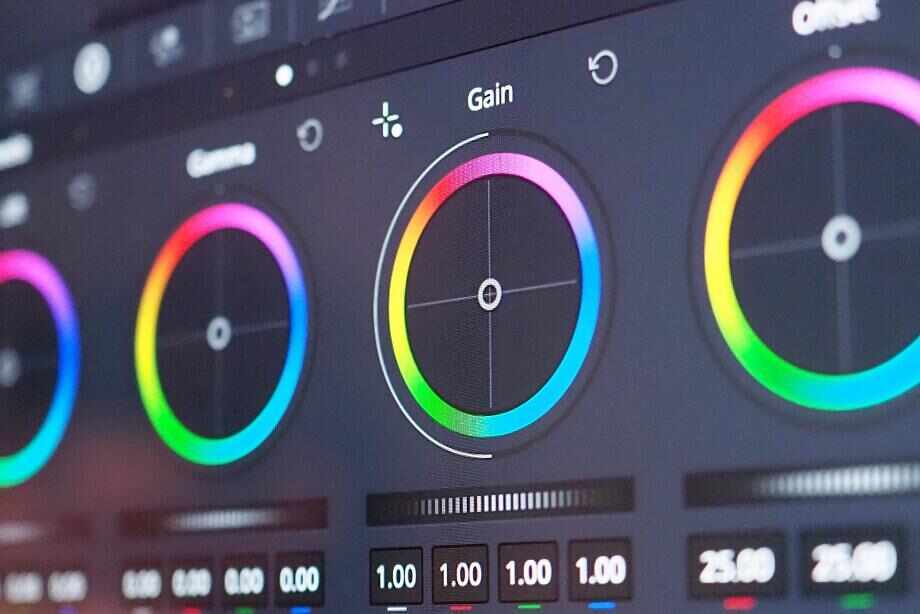
Once the chapters are all laid out and each layer is in place on the timeline, export a draft of your video (which is basically like ‘baking the cake’) and review it with a more critical eye. Which edits can you tighten up? Is the music too loud? Do you need to ‘colour-correct’ any of the vision (so that the colours look more natural on screen)? And so on. Make the tweaks on your timeline as needed.
10. Share your project with the world
Having made all the adjustments, export the final draft and you’re done! Well, almost — you still need to show your creation to the world. Upload it to YouTube or whichever social app you made it for, and share a link to the video with family and friends. Over time, you’ll build an engaged audience and inspire would-be travellers with your adventures.
It’s time to start planning your next trip — and travel video!
This post was published thanks to In Video.
Do you have any suggestions to add to this list of tips for editing great travel videos? We would love to hear from you. Join the conversation on our Facebook page.
The information contained in this story is general in nature and does not constitute professional advice in any way. We make every effort to ensure this content is accurate, but we do not guarantee it. You should do your own research and seek the advice of professionals before acting or relying on any of the information provided in this story.
Additional images: Depositphotos, Bigstock, and Envato
About the writer
Adam Ford is editor of Top Oz Tours & Travel Ideas, and a travel TV presenter, writer, blogger, and photographer. He has travelled extensively through Europe, Asia, North America, Africa, and the Middle East. Adam worked as a travel consultant for a number of years with Flight Centre before taking up the opportunity to travel the world himself as host of the TV series Tour the World on Network Ten. He loves to experience everything a new destination has to offer and is equally at home in a five-star Palazzo in Pisa or a home-stay in Hanoi.
Travel essentials
You can book many aspects of your holiday on the Top Oz Tours & Travel Ideas website, including flights, hotels, car hire, travel insurance, and more. When you purchase a product or service using the following links from our partners, we receive a small commission. It does not affect the price you pay, and it enables us to continue to provide readers with amazing travel inspiration.
Flights
Compare airlines, flights, and fares in one place with Booking.com. They don’t charge any credit card fees and you can always see exactly what you’re paying for in the price breakdown. You can book one-way, round-trip, and multi-city flights, and change your travel dates with ease when you opt for a flexible ticket option (an additional cost applies). It all adds up to a great flight! Search for flights with Booking.com
Hotels
If you’re looking for a great deal on your next hotel or homestay, look no further than Booking.com. Their mission is to make travel affordable and accessible to more people, and to deliver seamless accommodation experiences that complement your holiday. Search for hotels and homestays with Booking.com
Car hire
Discover Cars is an award-winning (World Travel Awards) car rental comparison website, which helps customers find, compare, and hire cars at the most competitive prices globally. Search for hire cars with Discover Cars
Day tours & experiences
Search and book day tours, guided experiences, and attraction tickets and passes worldwide with Top Oz Tours and Viator. There are no booking or credit card fees when you book through us, and you’ll have access to the widest choice of activities and most competitive prices. Browse day tours and experiences
Multi-day tours & trips
Top Oz Tours has joined forced with Tour Radar to bring you a fabulous range of multi-day tours and trips from the world’s leading operators. Travel with like minded people and get the best possible price on the holiday of your dreams. Browse multi-day tours and trips
Travel insurance
World Nomads aims to be a part of every traveller’s journey by providing a reassuring range of travel insurance services. Benefits include coverage for emergency medical and evacuation or repatriation, lost baggage, trip cancellation, and more than 150 adventure activities. Get an insurance costing